

 0
0 0
0How to Play Bloxd.io: Controls, Modes and Where to Start
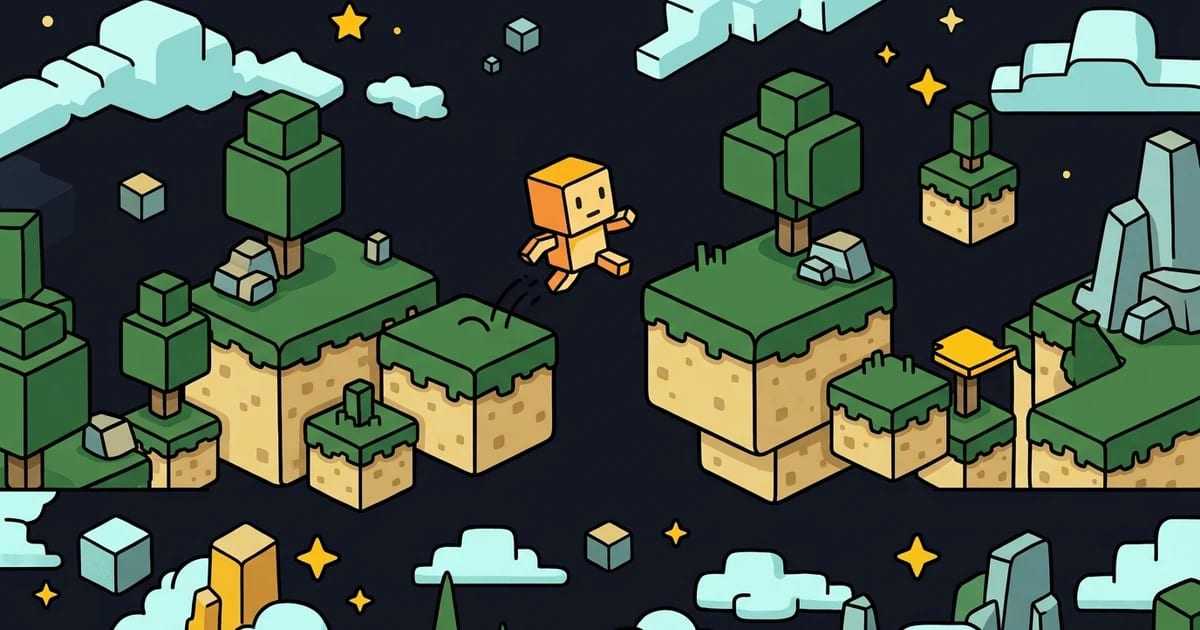
Bloxd.io is a block sandbox that runs in a browser tab with no account and no download. That is most of its appeal, and also the reason most people bounce off it: you land in a lobby with a dozen modes, no tutorial, and no obvious idea which one you are supposed to click.
This is the short version of what nobody tells you first.
The controls
| Action | Default |
|---|---|
| Move | W A S D |
| Jump | Space |
| Sprint | Hold Shift |
| Crouch | Z or C |
| Break a block / attack | Left mouse |
| Place a block | Right mouse |
| Switch block | Number keys, or middle mouse |
| Inventory | E |
| Chat | Enter |
| First / third person | P |
Those two bold rows are worth checking against whatever else you have read. At least one widely shared Bloxd.io guide lists them the other way round — place on left, break on right — and both community wikis, along with the game's own behaviour, have it as above: left breaks, right places. If you spent your first ten minutes demolishing the thing you were trying to build, that is why.
None of this is fixed. Bloxd.io added custom key bindings in June 2024, under Settings → Controls: click the binding, press the new key. Two quirks are worth knowing before you start remapping. Selecting an item in your inventory is permanently left mouse and cannot be changed. And breaking blocks can be moved off left mouse onto any keyboard key — which is the one rebind worth doing, because it frees your mouse to work the inventory and utility blocks while you are still mining.
Start with parkour, not survival
The instinct is to click Survival first. Resist it for twenty minutes.
Bloxd Hop is the parkour mode: a route of floating blocks with gold checkpoints, an emerald block at the finish, and movement boosts you can buy along the way. It is the fastest way to learn the only skill the whole game is built on — sprint-jumping, and knowing exactly when to release. Every other mode is easier once that is in your hands, and none of them will teach it to you as quickly, because in the others a missed jump is an inconvenience rather than the entire lesson.
Two small things that will stop most of your early falls. Let go of the movement key slightly later than feels right — momentum carries further than it looks. And crouch when you land on a narrow block: it stops you sliding off the edge.
Then One Block, then Bedwars
One Block is the gentlest way into the survival half of the game. You stand on a single block that regenerates forever, and what it gives you improves as you keep breaking it. There is no map to get lost in and nothing hunting you, so you learn the crafting and inventory systems with the pressure off.
Bedwars is where most of the population is, and it is not a beginner mode. You defend your bed while trying to break everybody else's; lose the bed and you stop respawning. It runs as solos, duos, trios and squads, so you can pick how many people are relying on you. Go in having already learned to sprint-jump and to place a block behind you without looking — those two things decide more Bedwars rounds than aim does.
Peaceful is the same world as Survival with other players unable to fight you. If you want to build rather than compete, start there and ignore the rest.
The lobby list changes. Sky Wars, Hide and Seek, Murder Mystery, Pirates, Plots, Greenville and Survival Royale have all been in rotation, and limited-time modes are voted on by the community for a permanent slot — so if something in the lobby is not described here, it is probably newer than this article.
Things worth knowing about playing it in a tab
It captures your mouse when you click into the world. Escape releases it — that is how you get your cursor back, not by clicking away.
No account is needed to play, which also means nothing is saved to one. Pick a name and stay with it if you care about being recognised.
And it is a real-time multiplayer game running over the open internet, so if blocks are appearing a half-second after you place them, that is latency rather than your machine. Closing the other twenty tabs helps more than any in-game setting.
The short answer
Bloxd Hop for twenty minutes, then One Block until crafting makes sense, then Bedwars once you can jump properly. Rebind break onto a keyboard key. And left mouse breaks.
Play Bloxd.io here — it runs in the tab, no download, no sign-in.